
Send every invoice, credit note & debit note — in one click.
Batch Email Plugin bundles every document per customer, lets you preview before you hit send, and clears your entire billing cycle in minutes — not evenings.
Apply NowStill downloading each document and attaching it one by one?
- Download every invoice, credit note and debit note separately
- Attach the right files to the right customer, by hand
- Retype the same email, customer after customer
- Risk sending the wrong statement to the wrong company
- Every document auto-bundled per customer
- Invoices, credit & debit notes sent together, in one email
- One template, reused automatically for every customer
- Full preview before you ever click send
What your team actually clicks through
Dear {{customer_name}},
Please find attached your statement of account, including all invoices, credit notes and debit notes for this billing cycle.
Watch the 1-minute walkthrough
See a real month-end batch send, from selecting customers to the final click.
A closer look at the plugin
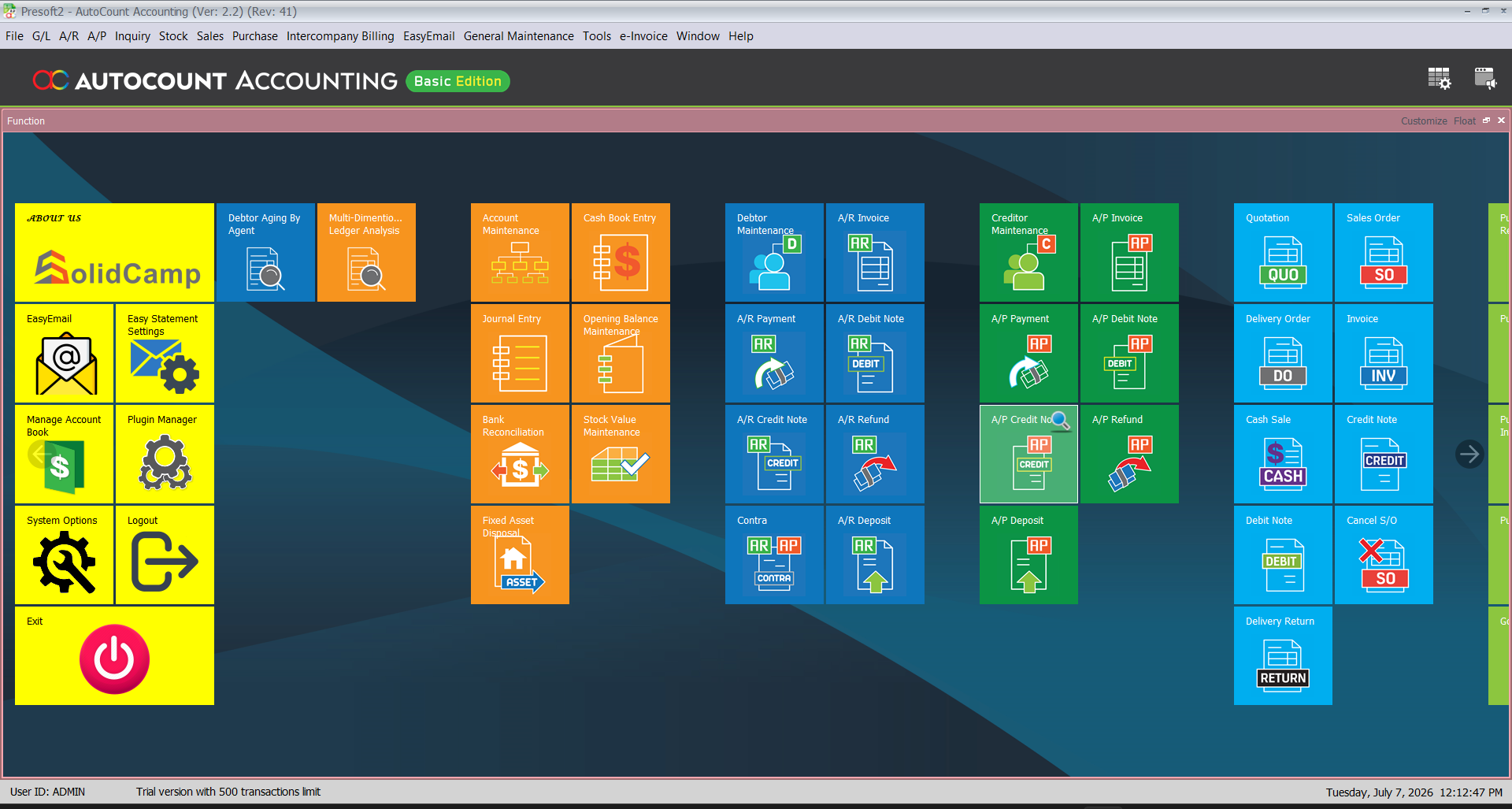
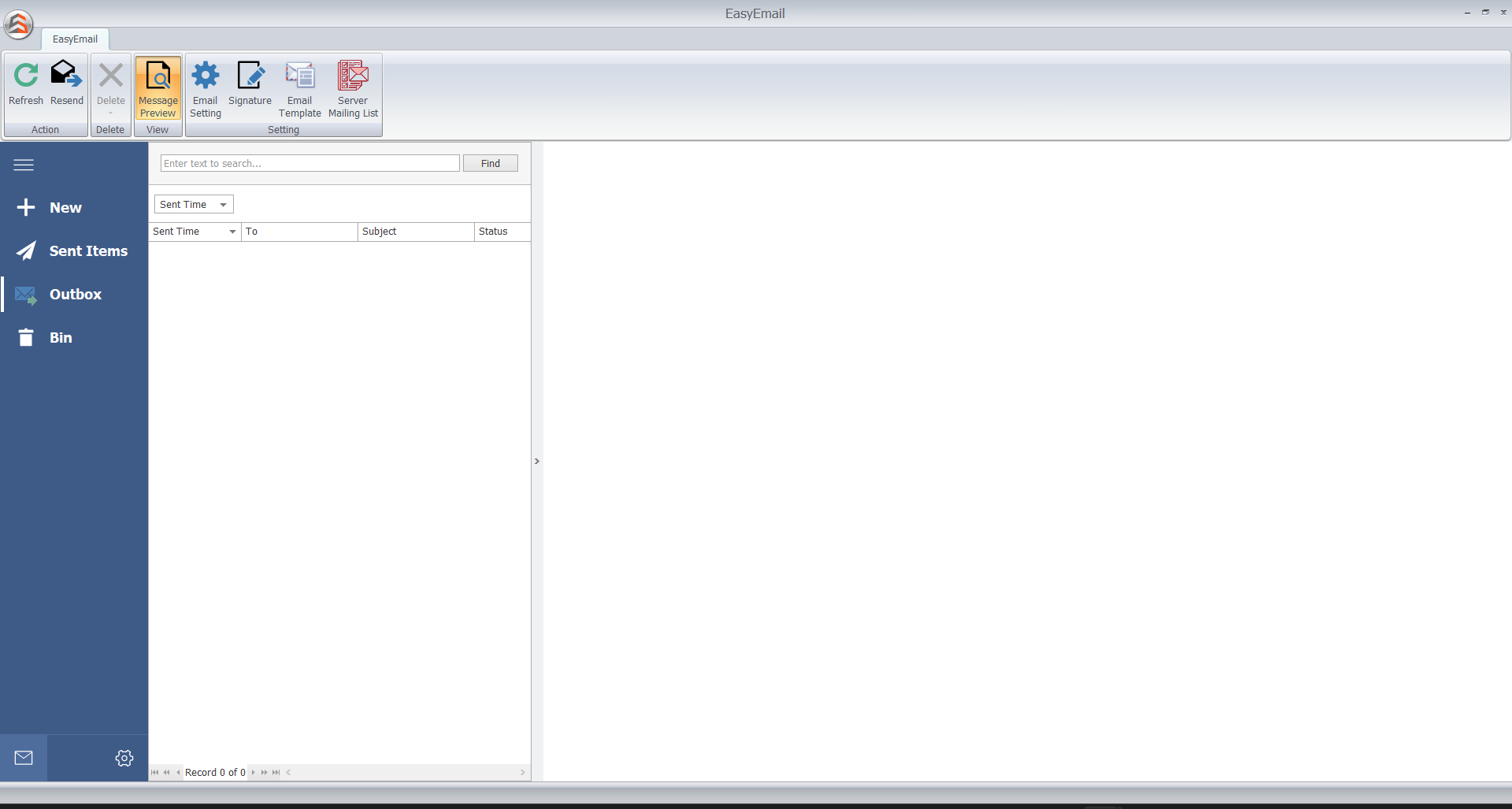
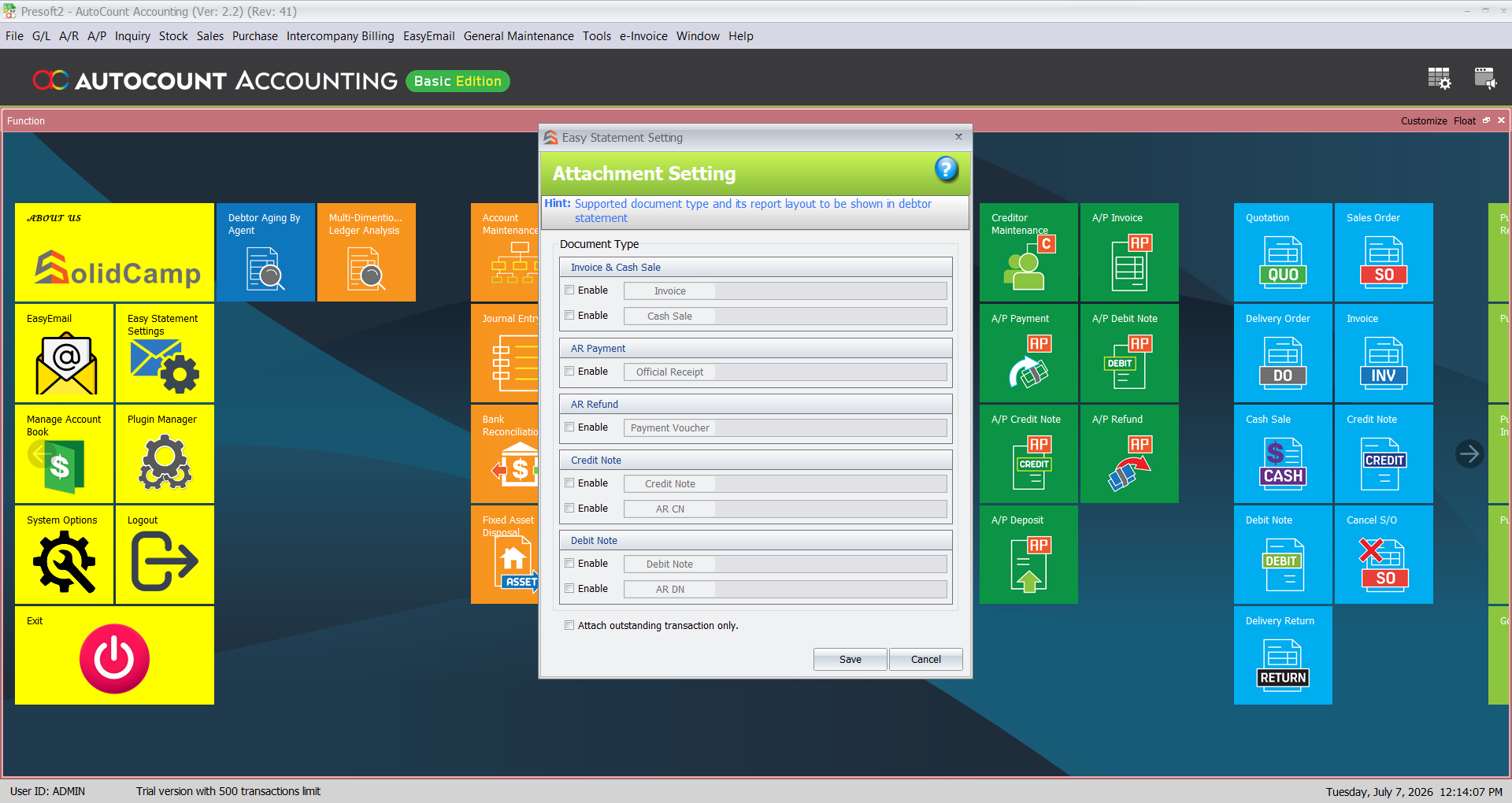
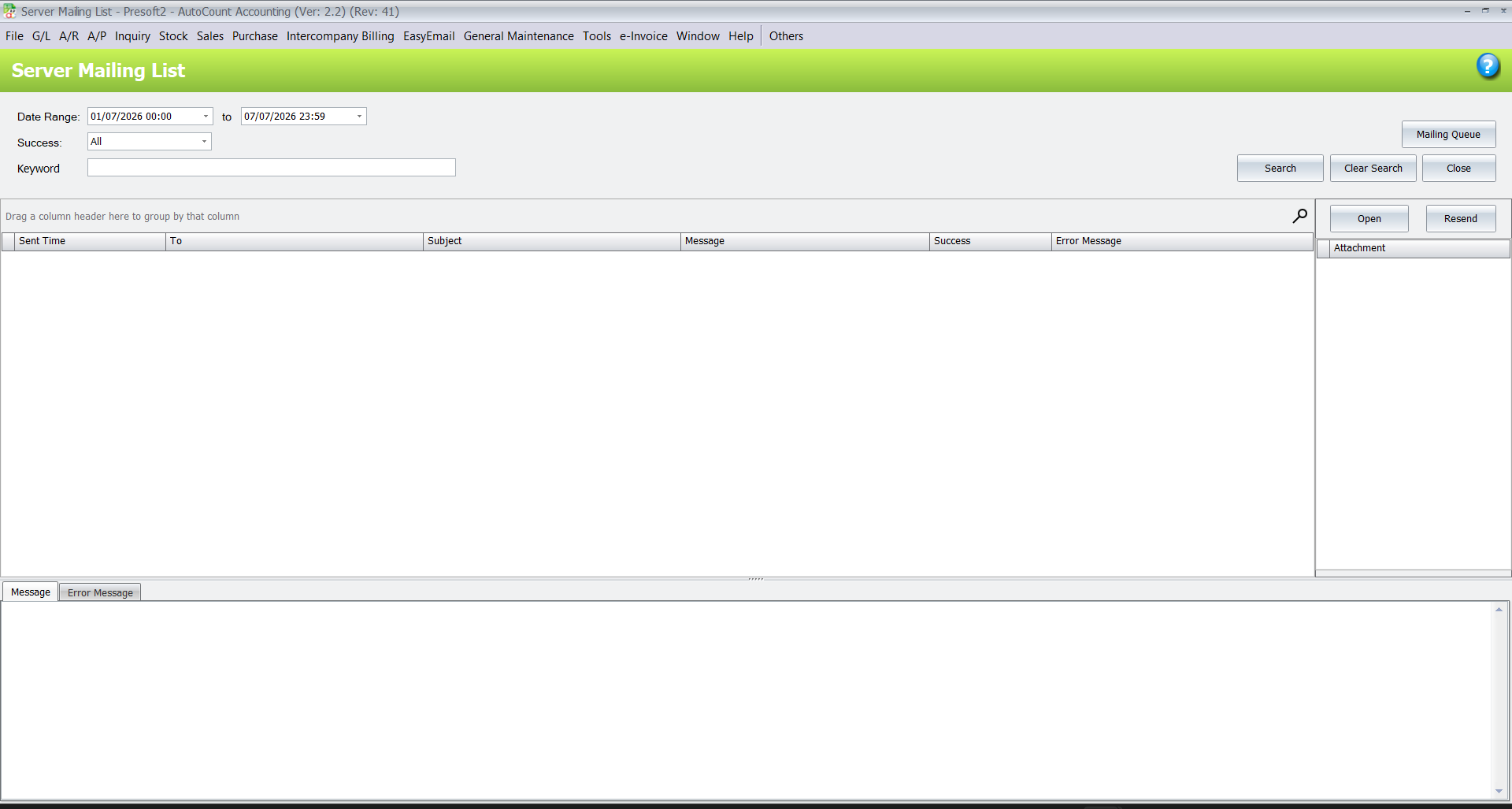
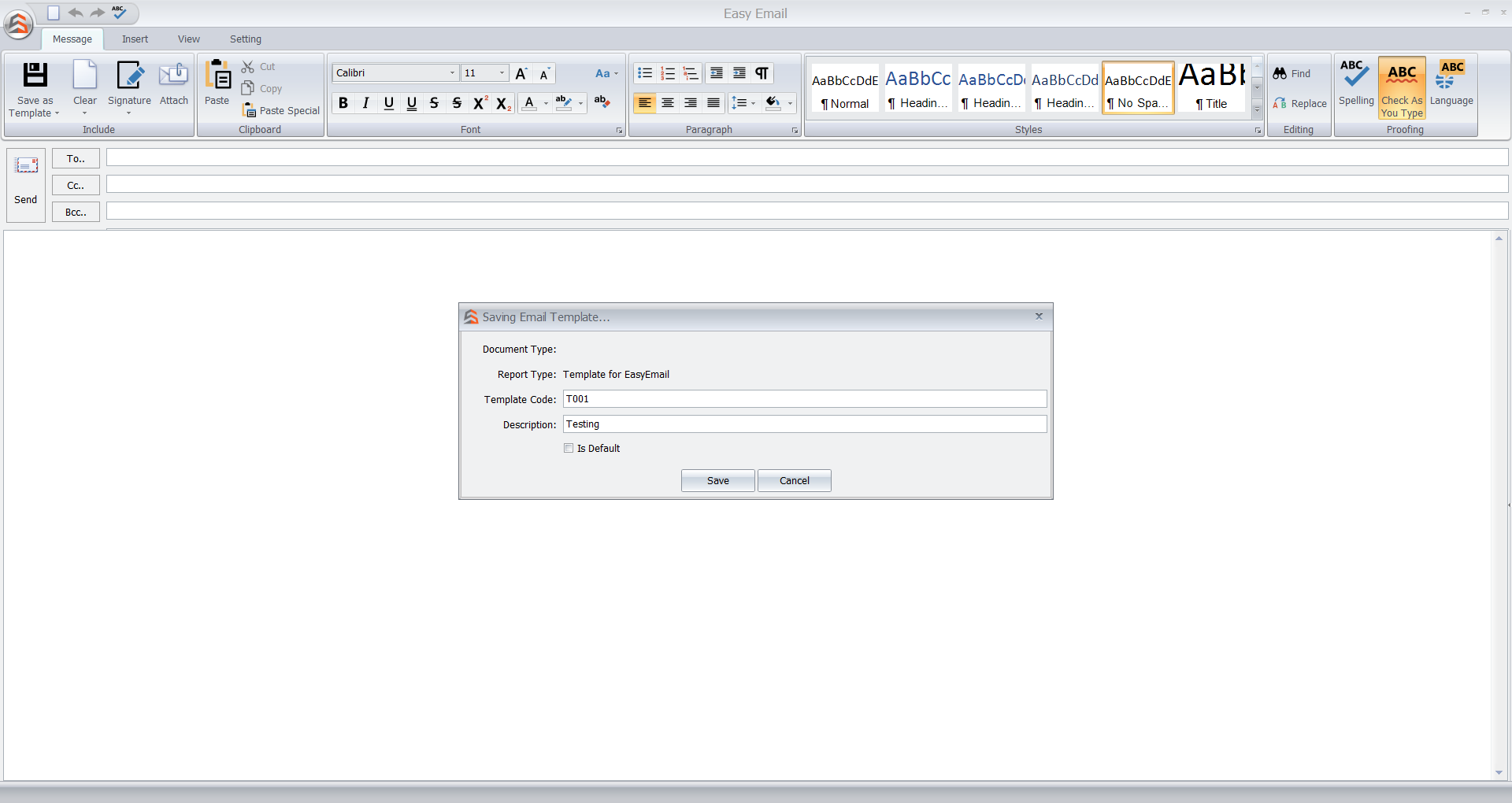
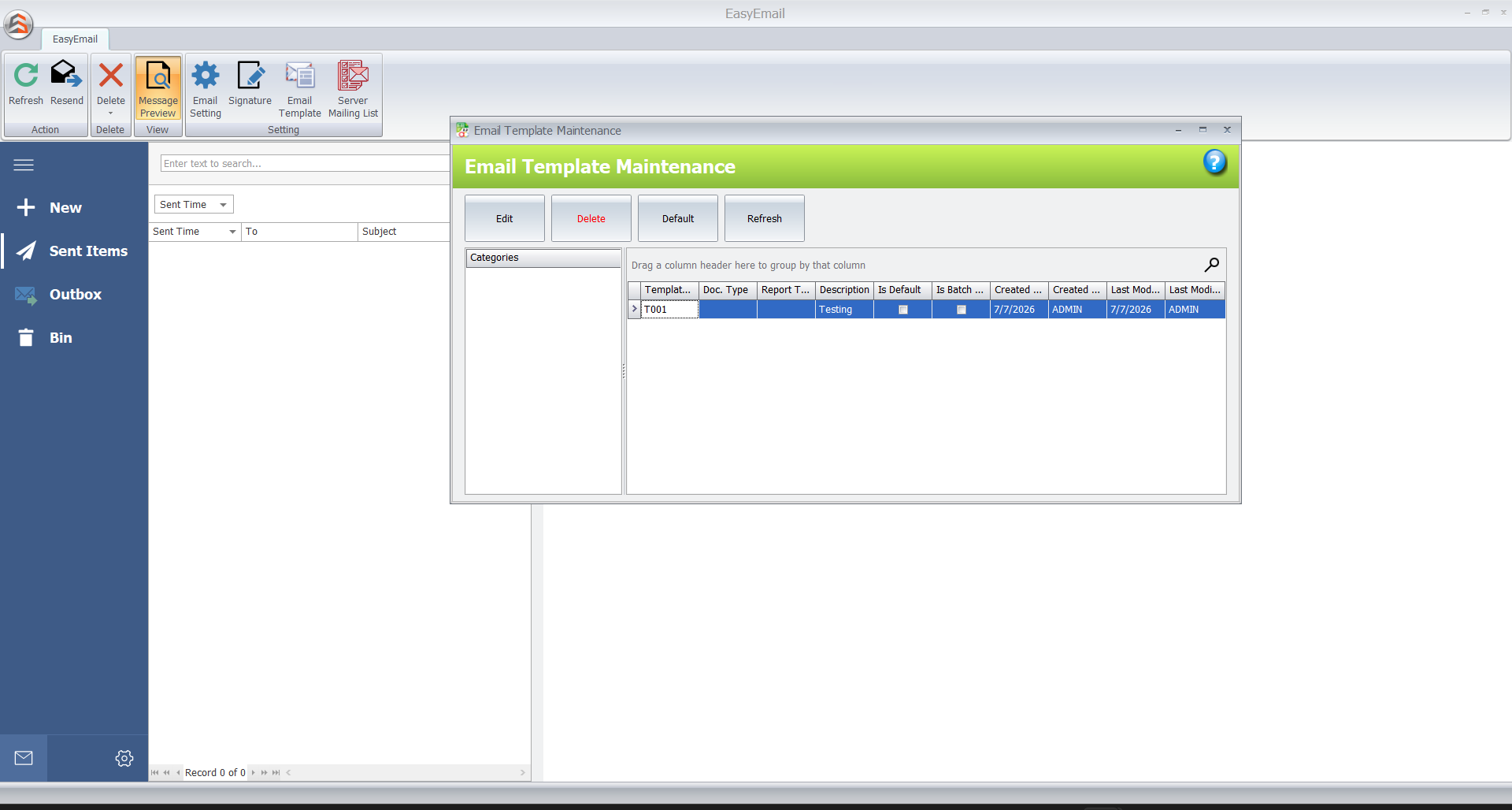
A few screens from a real batch send. Click any image to zoom in.
Five reasons this replaces your manual send-out
Multiple documents, one email
Send invoices, credit notes and debit notes together, per customer, instead of juggling separate emails for each document type.
Preview before sending
See exactly what each customer will receive, reducing the risk of the wrong document going to the wrong inbox.
Customisable templates
Edit the email template once to match your brand, and it's applied consistently across every customer.
Built for month-end
One click sends statements to every selected customer — designed around recurring monthly billing cycles.
Hours back, every cycle
No more sending emails to customers one by one. What used to take an evening now takes minutes.
Everything a month-end send-out needs
Easy Statement
Preview multiple statement types — receipts, invoices, credit notes, debit notes — for every customer you've selected, all in one screen before anything goes out.
Flexible Template
Edit your email template in minutes — subject, greeting, tone — and keep a professional brand image across every message you send.
Batch Mail Send
One click sends every receipt, invoice, credit note and debit note to every customer you've selected — no repeat work, no missed attachments.
Get your emails sent to hundreds of customers
Setup Easy Statement
Enable the document formats you want to send — invoice, debit note, credit note and more.
Set Up Your Email
Bind your email by entering the sender credentials the plugin will send from.
Preview the Statements
Preview every document you plan to send to customers before anything leaves your inbox.
Set Email Template
Set up or edit the email template that will be sent along with every customer's documents.
Batch Send Email
Batch send to every customer you've selected — in one click.
Who this plugin is for
Wholesalers & Distributors
Managing a long customer list without a long night of manual sending.
Recurring Monthly Billing
Businesses with the same close-out ritual every single month.
Multi-Document Senders
Companies sending receipts, invoices, credit and debit notes together.
SMEs Still Doing It Manually
Currently sending statements one by one — ready for one click instead.
Stop attaching files one by one. Start batch sending.
Apply now to get started with batch sending.
Apply Now